Secure Remote Access
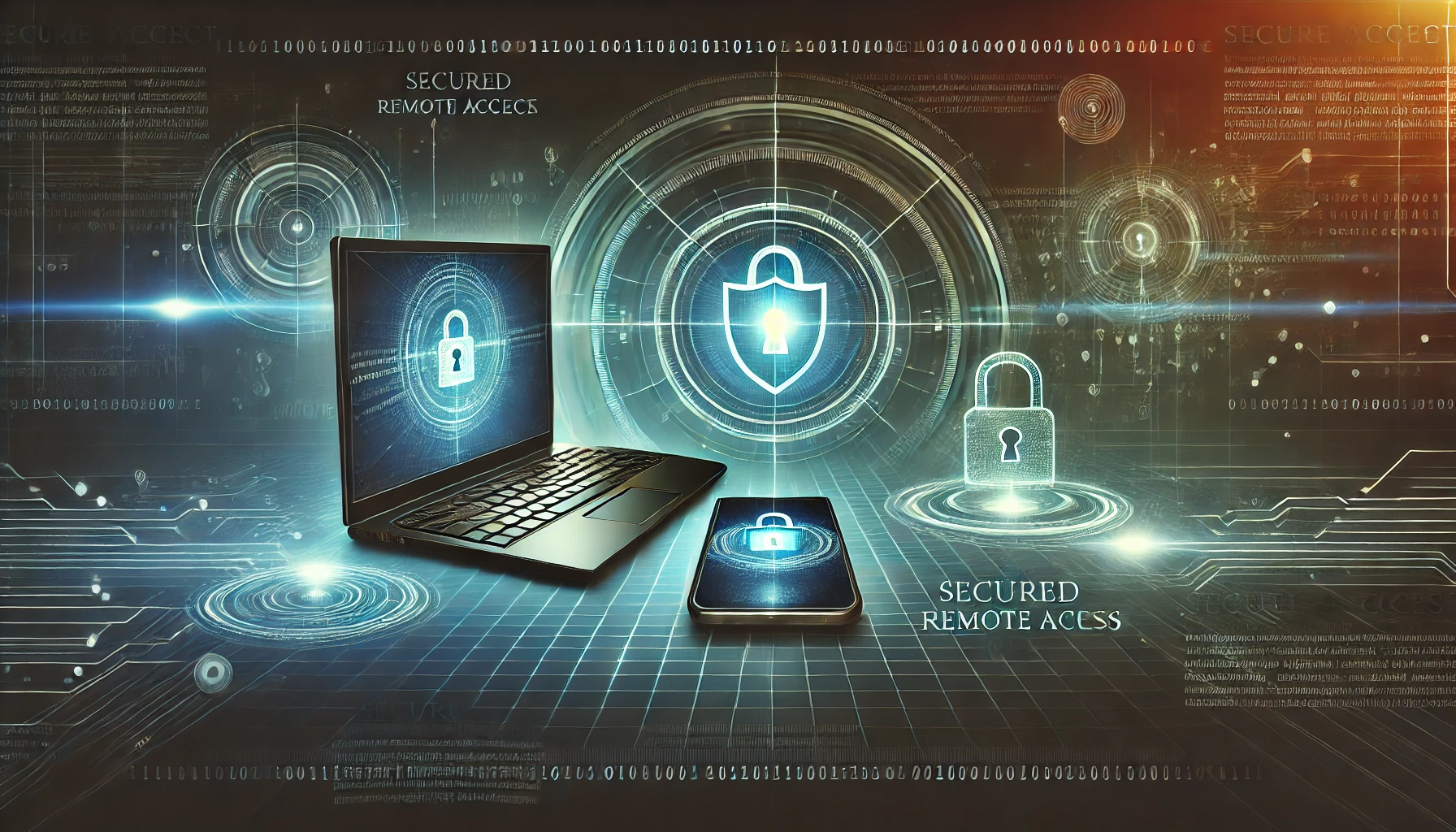
Provide your employees with the most secure remote access, and allow them to keep working from the comfort of their homes without any risk to the well-being of the company!
More people have started working from home lately, so secure remote access has become a must for a lot of organizations. Accessing a desktop from a remote location allows authorized users to take complete control of a computer to fix issues, see or change files, or even change some settings. This access method needs to be as secure as possible because you wouldn’t want to grant access to someone unwanted.
IT personnel who need to help their colleagues or customers with tech problems from a remote location use technology like secure remote access. This technology is also useful for workers who want to log into a secure device connected to a company server while working from their personal devices. Also, company managers can take advantage of this technology to check up on their workers and see what they are doing on company devices.
It’s essential to have security measures in place if you want to grant your team members access to company servers. These security measures are implemented to prevent unauthorized users from accessing sensitive data. A secure remote access system is a mix of technologies, strategies, and
applications that need to protect networks and computers from being accessed by unwanted people.
How does secure remote access work?
Software needs to be installed on both the device you will be using and a device you will want to access in the future. You won’t be allowed to access a device without completing this step. After installing the software, both devices will need to be turned on to start the remote access process. You will have to type in the correct credentials in the field, and once you do that, the screen from that device will be mirrored on your computer. Once in the system, you can share and access files on the device you accessed. Also, you will be allowed to download files to your computer and make changes on the remote machine.
Types of secure remote access
There are a few options to securely access a device or a program from a remote location. In some cases, several measures will be required in order to successfully connect to a remote device, and here are just some of the most commonly used ones:
VPN (virtual private network): VPN is another layer of security for all devices that are working remotely from a personal device. VPN will allow secure internet access by routing the connection through a secure server. Users will be able to work from any home or public network without worrying about being exposed to the risk of breach.
Endpoint security: This type of security system will secure various devices on a company network. These devices can be phones, laptops, servers, and desktops. Antivirus and firewall software are usually installed on each one of these devices to increase security.
ZTNA (zero-trust network access): This security system allows remote access to services and applications based on the company’s policies. Unlike a VPN that usually grants access to anyone with the right credentials, a ZTNA system defaults to access denial. The company has to set up a system that will determine how much access users will get to data and systems. Organizations will be allowed to limit access as much as they want, minimizing exposure as much as possible.
Network access control: Managers of the organizations or heads of the department usually determine network access control. They are allowed to restruck access to outside users and anyone inside the organization who should have access.
SSO (single sign-on): SSO is a process for the authentication of users that will grant them access to multiple devices with only one set of correct credentials. Software is put in place and allows users to log into emails, phones, computers, and other devices or systems using the same credentials. This system speeds up the logging process and allows organizations to limit access to all users.
PAM (privileged access management): Managers will have access to a set of tools to secure and monitor access to the system and its data from multiple accounts. You will be able to see who was accessing something in the system and check if there is any unusual behaviour.
Importance of secure remote access
The number of organizations that have switched to remote work has recently increased, and many companies don’t want to change that. In doing so, employers must put appropriate security measures in place to protect their data, regardless of their business type. Here are a few essential advantages these secure remote access systems have:
- Secure access regardless of the device
Once you put a secure remote access solution in place, it will allow authorized users to access the company network on any compatible device. Employees will gain access to data and files, while employers will know that their business is entirely secure. IT experts will be able to get
remote access to any computer to fix the problem or provide any other assistance. Technical issues can occur at any given time, and remote access can speed up the process of resolving them. Once the problem happens, an IT expert can type in the credentials and access the device
with a problem instead of fixing it in person. This method is both time-saving and money-saving. - Safe internet browsing
Most modern companies require daily workflow through the internet. If a secure remote access system is put in place, it will protect employees from threats like ransomware, phishing attacks, and malware while logged in to the company network. Cyber threats usually lead to unauthorized
access, and company and personal data can be compromised. - Secure endpoints
Multiple devices are used by employees for regular work tasks nowadays. They might use phones for emails, have video meetings on their laptops and input important data on tablets. Secure remote access can protect all these devices that are connected to the company system and network. - Increased security awareness
Not all employees have the same internet security awareness, and that is why it is crucial to invest in educating your workforce to prevent any breaches in the organization. Considering many companies are transitioning to remote work, updating the cybersecurity policies and your employees’ knowledge about cyber threats is recommended.
Is it worth investing in remote access security?
Regardless of the business, you are in, you should always put security in the first place because once your data gets leaked or compromised, your company will suffer the consequences. If your organization is focused mainly on remote work or just partially, it would be wise to invest in higher security to prevent unwanted access from a remote location. Our support team at OB-Tech will gladly provide you with answers to any questions you might have about secure remote access. Feel free to contact us anytime to gain additional information about securing your organization.
Cyber Security Services
Cloud Firewall
Cloud firewalls are designed for modern needs and can be found in an online environment. Unlike the regular firewall that’s installed on your computer or server, these firewalls are hosted in the cloud.
Managed Detection and Response (MDR)
MDR (Managed detection and response) is a type of cybersecurity service that uses the most advanced technology with human expertise to successfully hunt, monitor, and respond to possible threats.
Managed Detection and Response (MDR)
MDR (Managed detection and response) is a type of cybersecurity service that uses the most advanced technology with human expertise to successfully hunt, monitor, and respond to possible threats.
Secure DNS
The job of DNS security is to protect the DNS infrastructure from any cyber-attack so it can keep working fast and reliably.
Secure DNS
The job of DNS security is to protect the DNS infrastructure from any cyber-attack so it can keep working fast and reliably.
Content Filtering
Content filtering is a process of exclusion of access and screening web pages or emails that are unwanted. These solutions look for specific content patterns, and if those requirements are met, the software will block the content or flag it.

Content Filtering
Content filtering is a process of exclusion of access and screening web pages or emails that are unwanted. These solutions look for specific content patterns, and if those requirements are met, the software will block the content or flag it.
Endpoints Detection and Response
EDR also known as endpoint detection and threat response (EDTR), is a security solution that constantly monitors devices to detect and respond to cyber threats like malware and ransomware.
Endpoints Detection and Response
EDR also known as endpoint detection and threat response (EDTR), is a security solution that constantly monitors devices to detect and respond to cyber threats like malware and ransomware.
Next-generation Firewall
We’ve all heard about firewalls. They’ve been around for quite some time, but the threats become more advanced every day, and security needs to become much more advanced to stop the most sophisticated threats.

Secure Remote Access
Accessing a desktop from a remote location allows authorized users to take complete control of a computer to fix issues, see or change files, or even change some settings.
Secure Remote Access
Accessing a desktop from a remote location allows authorized users to take complete control of a computer to fix issues, see or change files, or even change some settings.
WIFI Security
A secure WiFi connection can only be established once a wireless client and the wireless network they are connecting verify each other’s identities. Those wireless clients can be smartphones, laptops, tablets, etc.

WIFI Security
A secure WiFi connection can only be established once a wireless client and the wireless network they are connecting verify each other’s identities. Those wireless clients can be smartphones, laptops, tablets, etc.
LAN Zero Trust
Zero Trust is a type of security model which requires mandatory verification for everyone who wants access to data on a secure network. The same rules apply in both cases, whether they are outside or inside of the network.

Ransomeware Protection
Ransomware attacks have become more sophisticated in the previous two years, and organizations cannot completely prevent these hackers from harming their systems.
Ransomeware Protection
Ransomware attacks have become more sophisticated in the previous two years, and organizations cannot completely prevent these hackers from harming their systems.
Secure Web Gateway
SWG (Secure Web Gateway) is a product used for cyber security that implements security measures and secures sensitive data.

Secure Web Gateway
SWG (Secure Web Gateway) is a product used for cyber security that implements security measures and secures sensitive data.
Forensic Investigator
We offer forensic investigation services to trace cyber incidents, identify vulnerabilities, and secure evidence to prevent future attacks and support legal action if necessary.
Forensic Investigator
We offer forensic investigation services to trace cyber incidents, identify vulnerabilities, and secure evidence to prevent future attacks and support legal action if necessary.
What Our Customers are Saying
“Working with this team was a seamless experience. Their professionalism, technical depth, and strong security mindset gave us complete confidence in our systems. Highly reliable and results-driven.”

“They delivered exactly what they promised—secure, scalable, and well-structured solutions. Their attention to detail and commitment to best practices truly set them apart.”
“A dependable technology partner with deep expertise in cybersecurity and software development. They don’t just build systems; they build peace of mind.”
